
An All-in-One Tool to Manage Your Mac
Manage unused apps, startup items, resource-heavy activity, and duplicate or unnecessary files.
Compatible with Mac OS 13+ from 2017 and newer
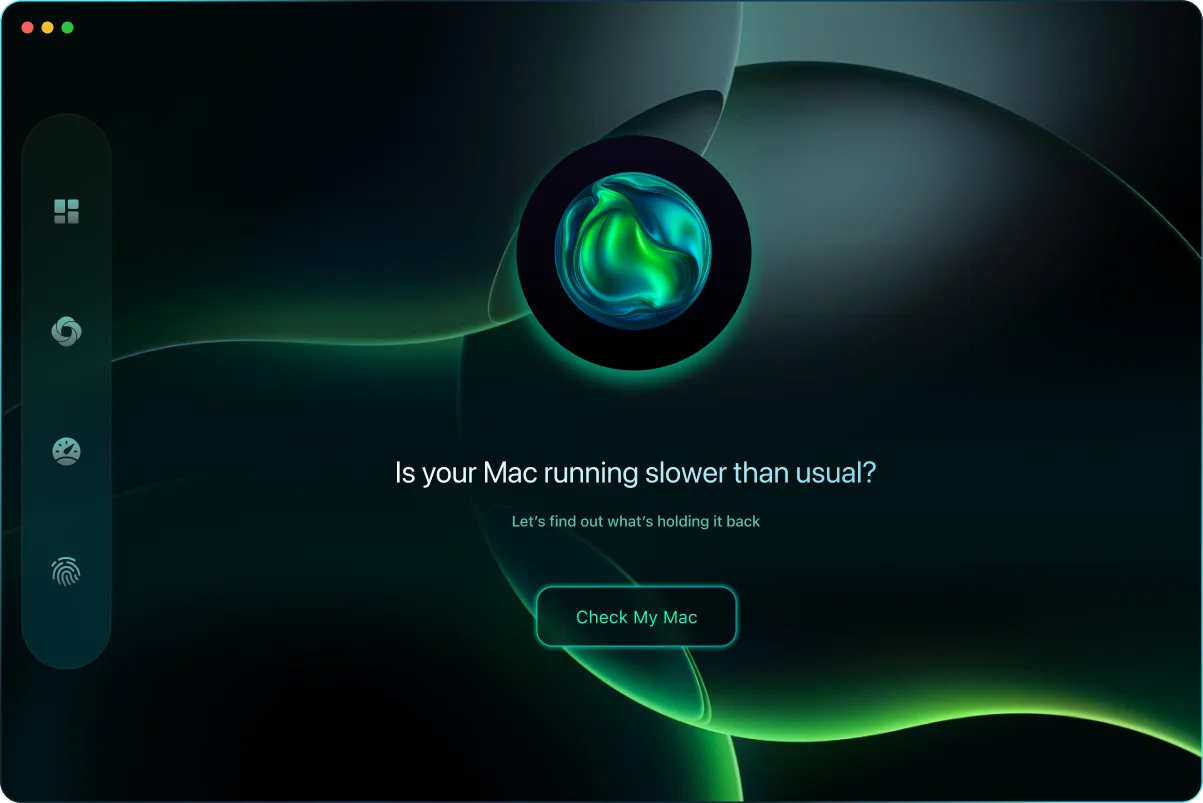
Understand your Mac at a glance
Three simple scans cover the essentials: storage, system activity, and key health indicators such as battery and disk.

Review Storage Usage
Identify large files, duplicate items, and other data that may no longer be needed. All actions require your approval, giving you control over what is removed.

Evaluate System Performance
Review applications and startup items that may use significant system resources. Easily identify active processes and manage them directly.

Monitor System Status
View indicators related to disk usage and battery condition to help you make informed decisions about maintenance and backups. Clear summaries provide visibility into your Mac’s current state.
Manage Storage with Confidence
Review files located in your home folder and choose what to keep or remove. No changes occur without your approval.

Junk File Cleaner
Find caches, logs, and unused language files and clear space with your approval.
Over time, apps leave data you don’t need. Review the results and remove what you choose — nothing happens without your say-so.
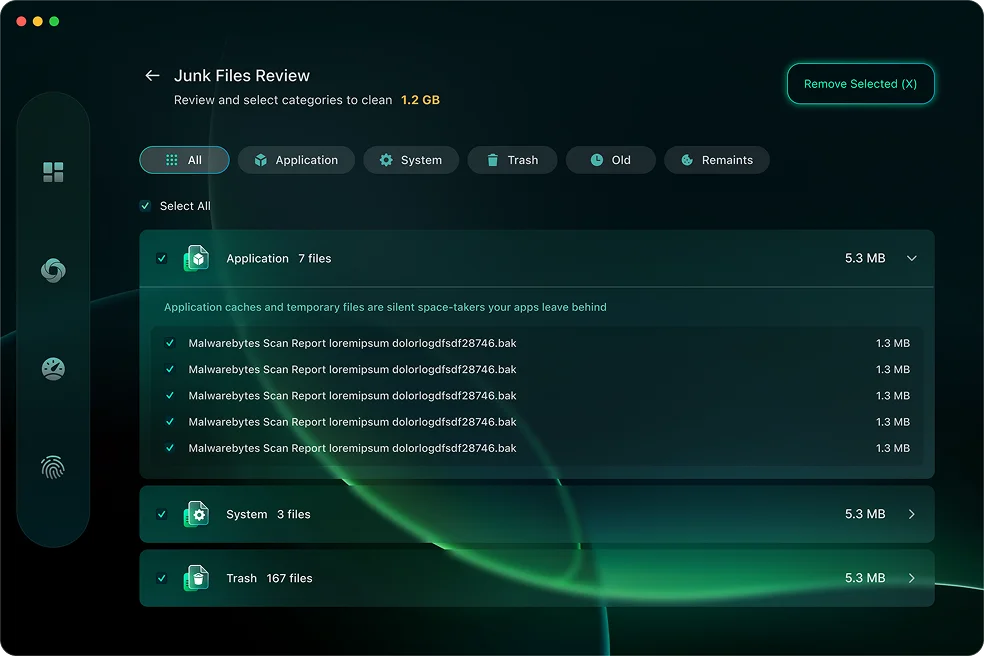
Safety by design: nothing is removed automatically. Review, confirm, and undo if needed.

Large & Old Files
See what’s eating space and decide what stays or goes in a couple of clicks.
Quickly sort by size or age, preview what’s safe to remove, and keep what matters. Clear space without digging through folders.
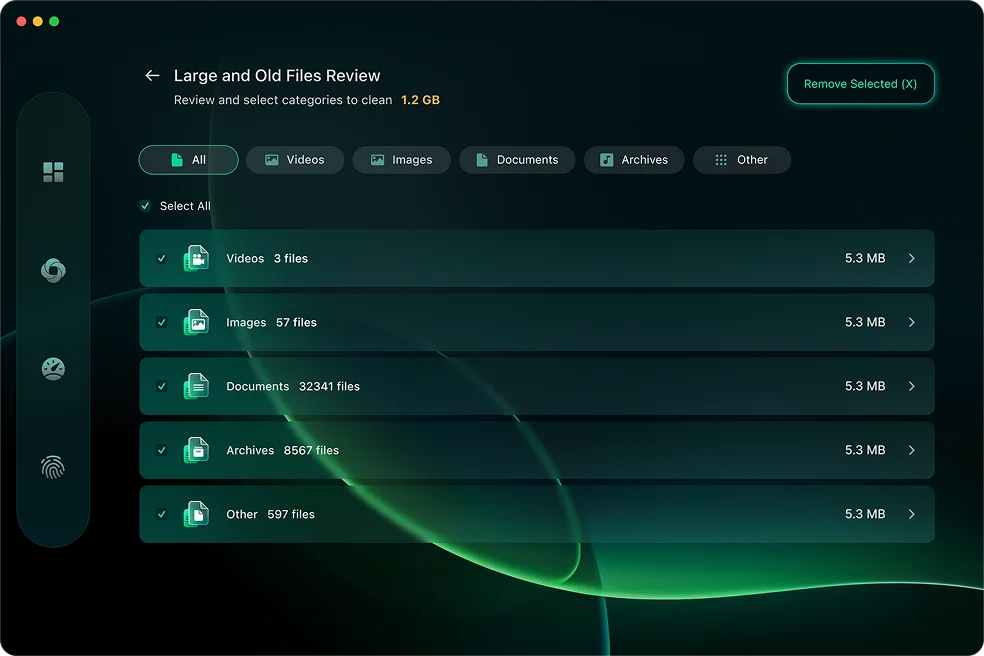
Safety by design: nothing is removed automatically. Review, confirm, and undo if needed.

Duplicate Files
Find true duplicates and remove extras while keeping one safe copy.
CleanBuff compares files byte-for-byte to avoid false matches, then suggests safe removals you can confirm in one step.
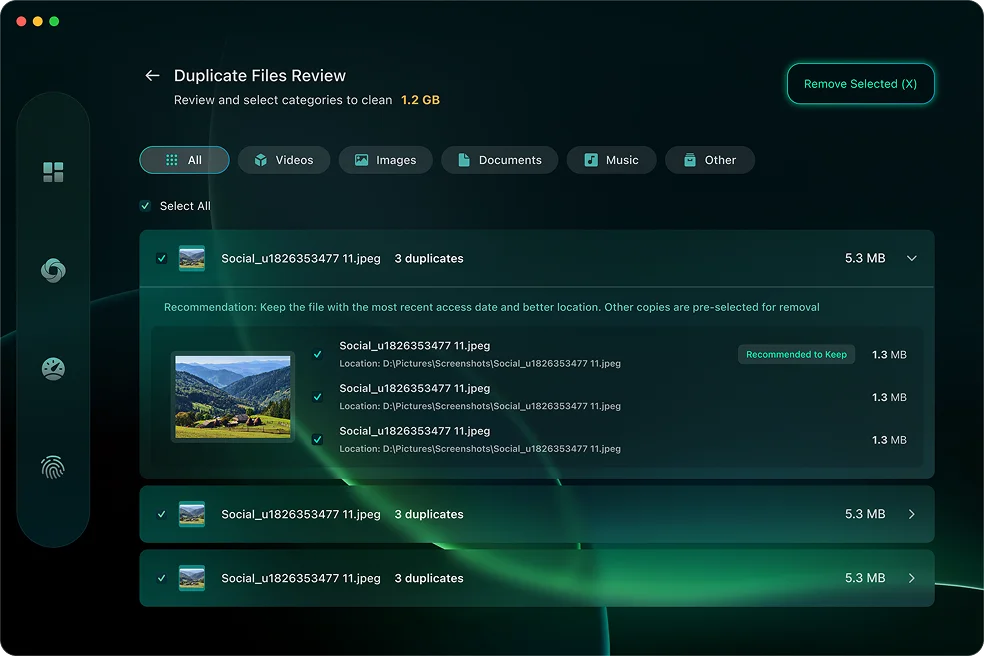
Safety by design: nothing is removed automatically. Review, confirm, and undo if needed.
Safety by design: nothing is removed automatically. Review, confirm, and undo if needed.
Understand Your Mac’s Performance
Explore potential causes of reduced responsiveness and decide how to address them.
Startup Manager
View applications and background services that launch at login. Review and manage startup items using simple controls to adjust system startup behavior.
RAM & CPU Monitoring
View memory usage and processor activity, and identify applications that are using significant system resources. Any actions are initiated by you.
Disk Health Monitor
View available disk information, including supported S.M.A.R.T. indicators, to help assess storage conditions and decide when to review backups or maintenance options.
Battery Health Monitor
View battery capacity, cycle count, and temperature information. Review general usage guidance related to battery care and performance.

Simple steps to review and manage your Mac
Install
Download CleanBuff and open it like any other macOS application.
Scan
Run a one-click overview to view information related to storage usage, system activity, and available resources.
Review
View clear results and choose which items or settings you want to manage.
Apply
Apply selected changes with your approval to adjust system settings and file organization.
Questions, answers.
Does CleanBuff delete files automatically?
No. Nothing is removed without your review and confirmation. You decide every change.
Is it safe for my system files?
CleanBuff is designed to work primarily within your personal home folder (~/) and does not modify protected system areas by default. All actions require your review and approval.
Will it speed up my Mac?
CleanBuff provides tools to review resource-heavy startup items, memory usage, and application activity, helping you better understand factors that may affect performance.
Which Macs are supported?
CleanBuff is compatible with Macs running macOS 12 or later, including both Apple Silicon and Intel-based models.
What can I do with the free version?
The free version lets you scan your Mac, see what can be cleaned, and explore key features so you understand exactly what CleanBuff finds.
What do I get with CleanBuff Pro?
CleanBuff Pro includes expanded cleaning features, additional management tools, and fewer usage limits compared to the free version.
Can I try CleanBuff before buying?
Yes. You can download a full 7-day trial of CleanBuff for free.
Is CleanBuff easy to uninstall?
Yes. CleanBuff can be uninstalled using the standard macOS method by moving the app from the Applications folder to the Trash. No background components remain after removal.
My Mac is already fast. Why would I need cleaning software?
Even well-maintained Macs can accumulate application data such as logs, caches, and leftover files over time. CleanBuff helps you review and manage this information, providing visibility into factors related to system behavior.
Trusted by Mac Owners

Perfect!
My MacBook felt brand new after one Smart Scan. Clear explanations and zero tech jargon.

I got more space!
Found 20GB of old files I’d forgotten. I also love that nothing is deleted until I confirm.

My Mac runs like new again.
Startup Manager showed hidden items slowing things down. Two clicks, problem solved.
Clear System Management. Simple by Design.
A straightforward way to review and manage your Mac — free to try and easy to use.